
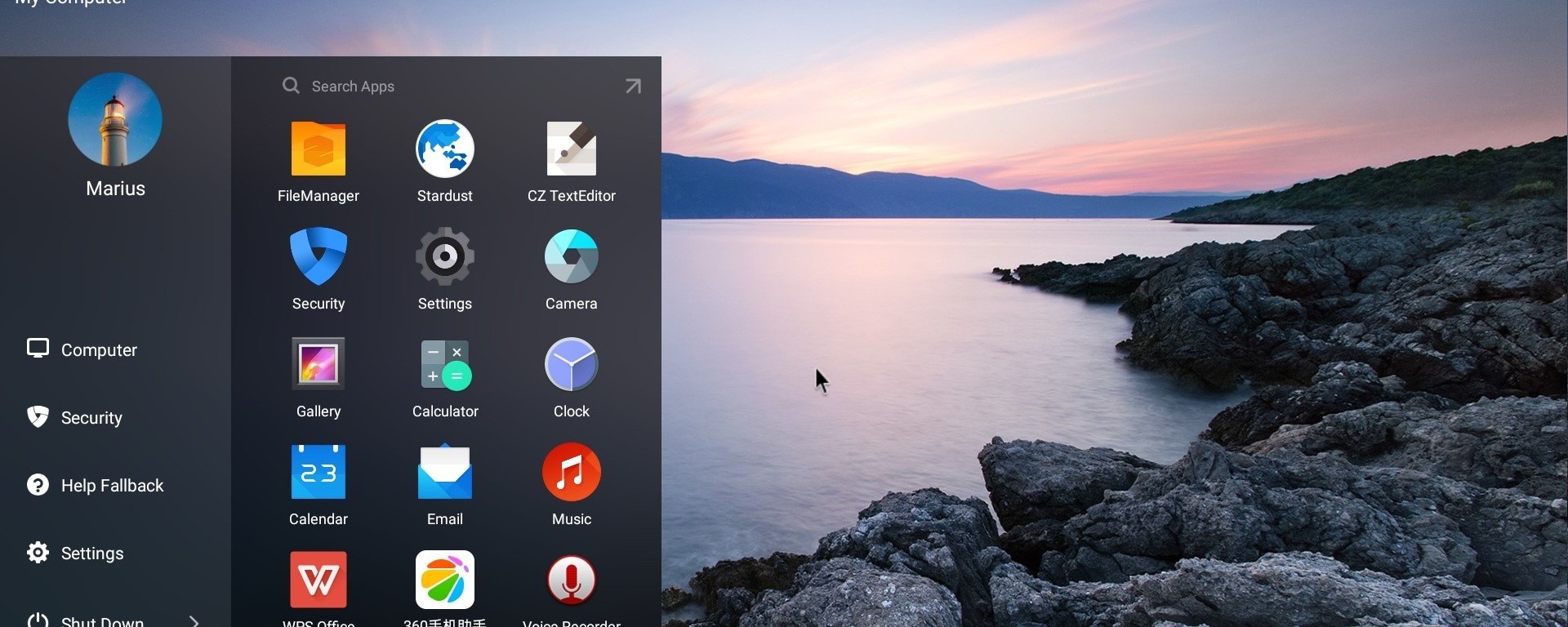
There are plenty of android emulators available for your windows PC. Some having great compatibility with almost every types of windows PC and some which has limited compatibility options available. But if your looking for the best emulator available for your windows PC or laptop to run PUBG & Free Fire, then we have selected the best emulator for just this purpose.
- Phoenix OS :
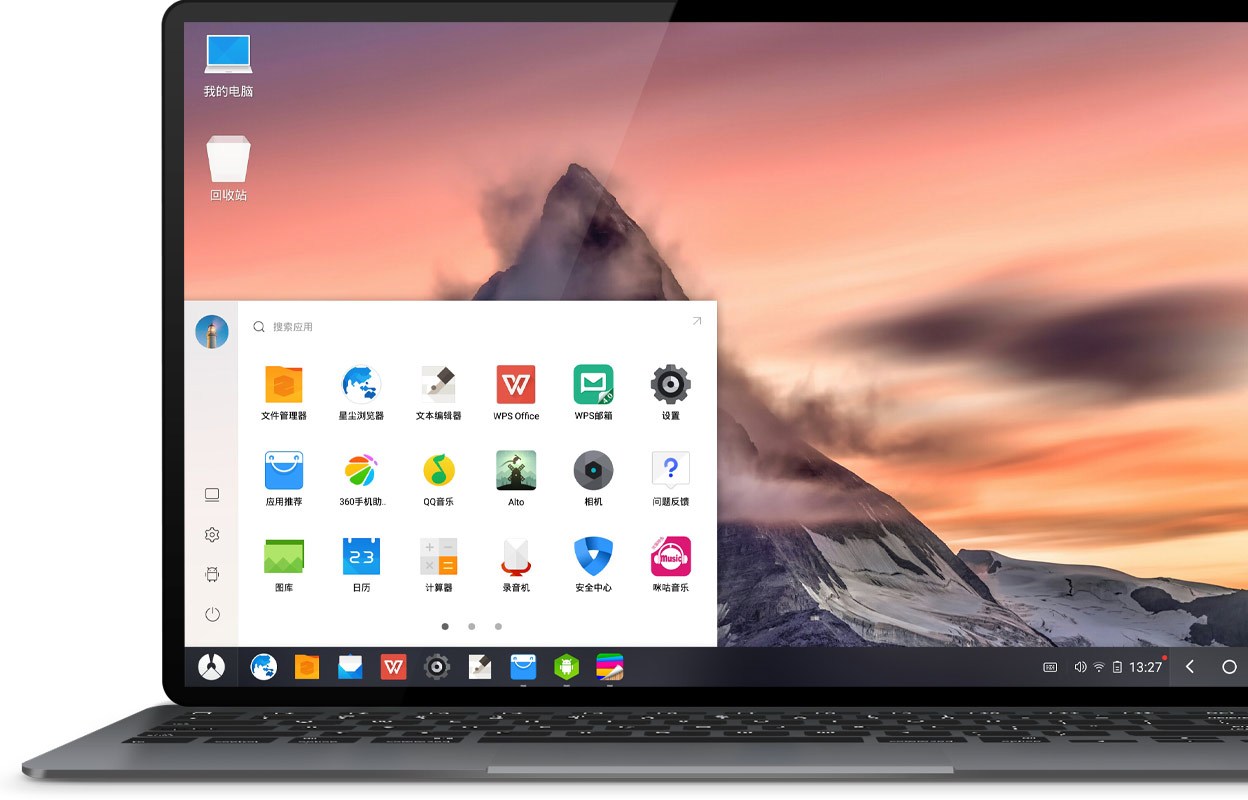
Phoenix OS is not exactly an emulator but a sort of OS which you can side boot on your windows PC. Phoenix OS is an x86 based android OS which can run on computers with intel x86 series CPU. With an option to install it directly to the Hard drive or to an external hard disk, Phoenix OS is somewhat a pretty useful OS compared to the other emulator available out there. But can the Phoenix OS run games such as Free Fire or PUBG? Well the answer is Yes! Free Fire runs absolutely smooth at max graphics but PUBG dosen’t work smooth at all unless you have a powerfull computer. So if your looking to play free fire on your laptop, then using Phoenix OS to run the game is a pretty good choice. There are also other emulator such as Tencent gaming buddy, Memu Play, Prime OS,etc which you can also give a try 🙂
LINKS :
Phoenix OS : http://bit.ly/2WJwrrW
 Kastro Tech